Privacy
Keep your meetings private.
Your audio, notes and AI processing stay on your computer.

Private AI meeting notes. Free and open source. Because your business should never be anyone else’s.
Record the call, keep the useful details, and ask about them later.
Yogurt transcribes the call while you add your own notes.
Yogurt’s AI turns your notes and the conversation into a summary.
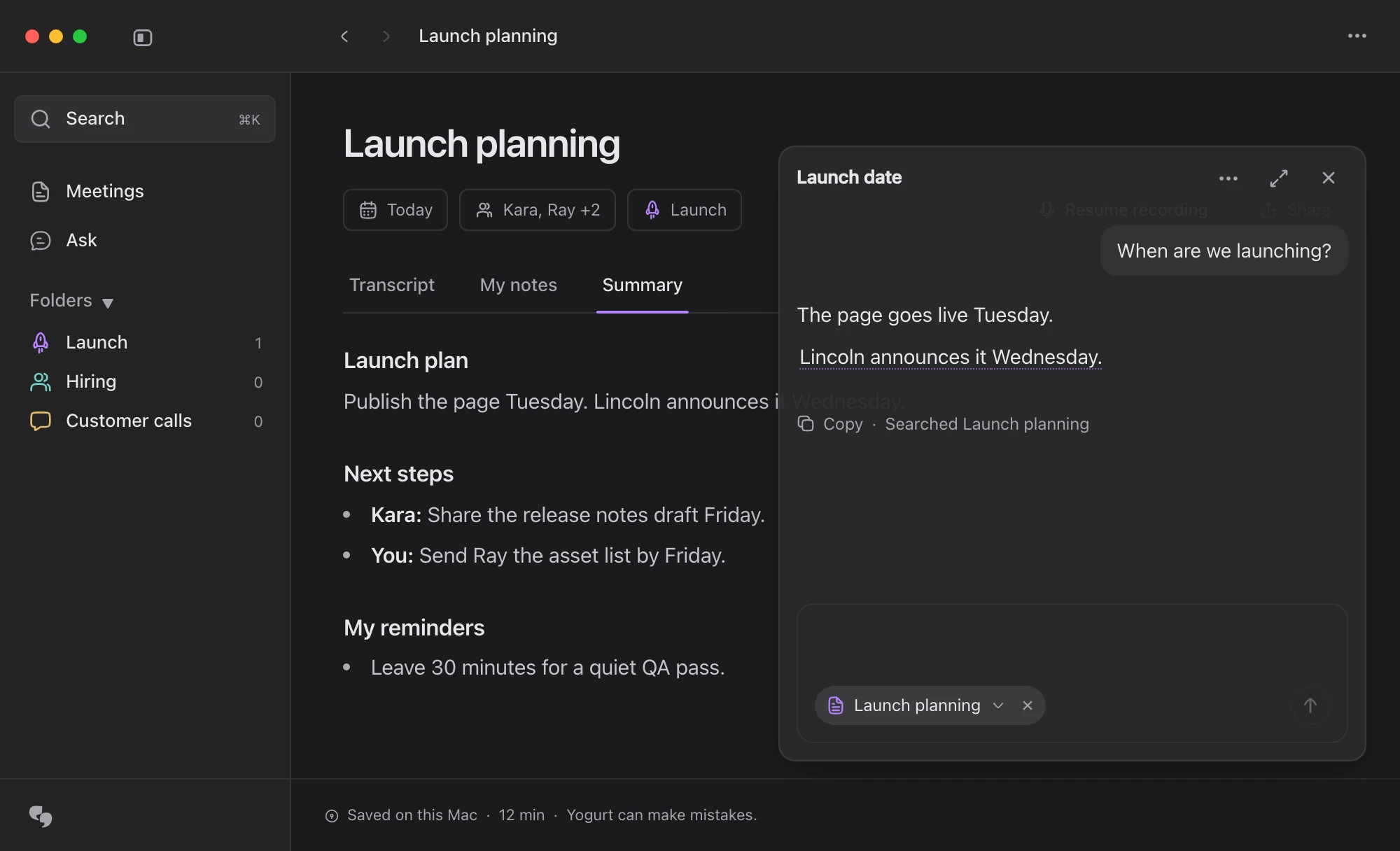
Ask Yogurt’s AI and get an answer linked to the meeting.
Keep your notes private, organized, and useful after the call.
Your audio, notes and AI processing stay on your computer.
Group meetings in folders and search titles, notes and transcripts.
Let your assistant read meeting notes and transcripts directly from your computer.
Transcribe in 99 languages with multi-language mode.
Follow the work and help make Yogurt better. Explore the code
A Mac with Apple silicon and macOS 14.4 or newer, a 64-bit PC with Windows 10 (version 2004) or newer, or a 64-bit Linux computer with Ubuntu 22.04 or newer. Each needs at least 8 GB of memory. If your computer is too slow, Yogurt tells you during setup. On Windows and Linux, you connect your calendar with a private calendar link.
No. Yogurt records your microphone and the sound playing on your computer. No bot joins the call, so let the other people on the call know you’re recording.
Yes. Your recordings, transcripts, and notes are saved locally on your computer.
Yes. Yogurt is free and open source under the MIT license.
Yogurt transcribes 99 languages. English is the default and the fastest. For meetings in other languages, pick Multi-language in Settings, or from the language menu in a note, even during a call. In Multi-language mode, everyone can speak their own language, and Yogurt keeps up when someone switches languages mid-meeting. Summaries are written in the meeting’s main language, or one you choose.
Yes. After a one-time download of the AI models, transcription and summaries run locally on your computer.